Everything PakkaStock does
Your designs, your stock and your labels, in one place.
Photo lo
A new design gets its number
- Take a photo and pick the sizes.
- Save, and the number SK-114 appears.
Label chhapo
Print labels for every size
- Pick the label size and copies per size.
- Check the preview, then print the PDF.
Scan karo
Scan the label to add stock
- The phone camera reads the printed label.
- Tap the sizes and save.
WhatsApp pe bhejo
Send the design on WhatsApp
- Tap share and pick the party.
- Photo, number and ready sizes go in one message.
Party ka view
What your party sees
- Photos and the ready sizes. No price.
- One tap and they message you on WhatsApp.
Order pack karo
Pack an order from stock
- Open the party's order.
- Pack what is in stock, and see what is still left.
Ginti karo
Count stock, fix the difference
- Scan the label and enter the count.
- The difference is fixed with a new entry.
Tailor ko bhejo
Send a bundle to a tailor
- Send the bundle out.
- Mark it ready when the work is done.
Staff ka login
Staff log in with a PIN
- A PIN on the shared phone.
- Staff see only the screens they need.
Also in the app
- Excel import
- Bring in all your designs at once from an Excel sheet.
- Retire
- Stopped making a design? Its number is never used again.
- Rack
- Note which rack or shelf each design is on.
- Your logo
- Printed on your labels.
- Owner only
- Only you see cost, price and profit.
- Download
- Your designs as an Excel sheet, or a full copy of all your data, any time.
AI model photosIn development
AI model photos
In developmentFrom a garment photo to a model photo.
We are building AI image generation for your garment designs. The aim is to create model photos from a product photo, with versions for different colours.
You would review the result before saving it with the design. This feature is being built and is not available in the app yet.
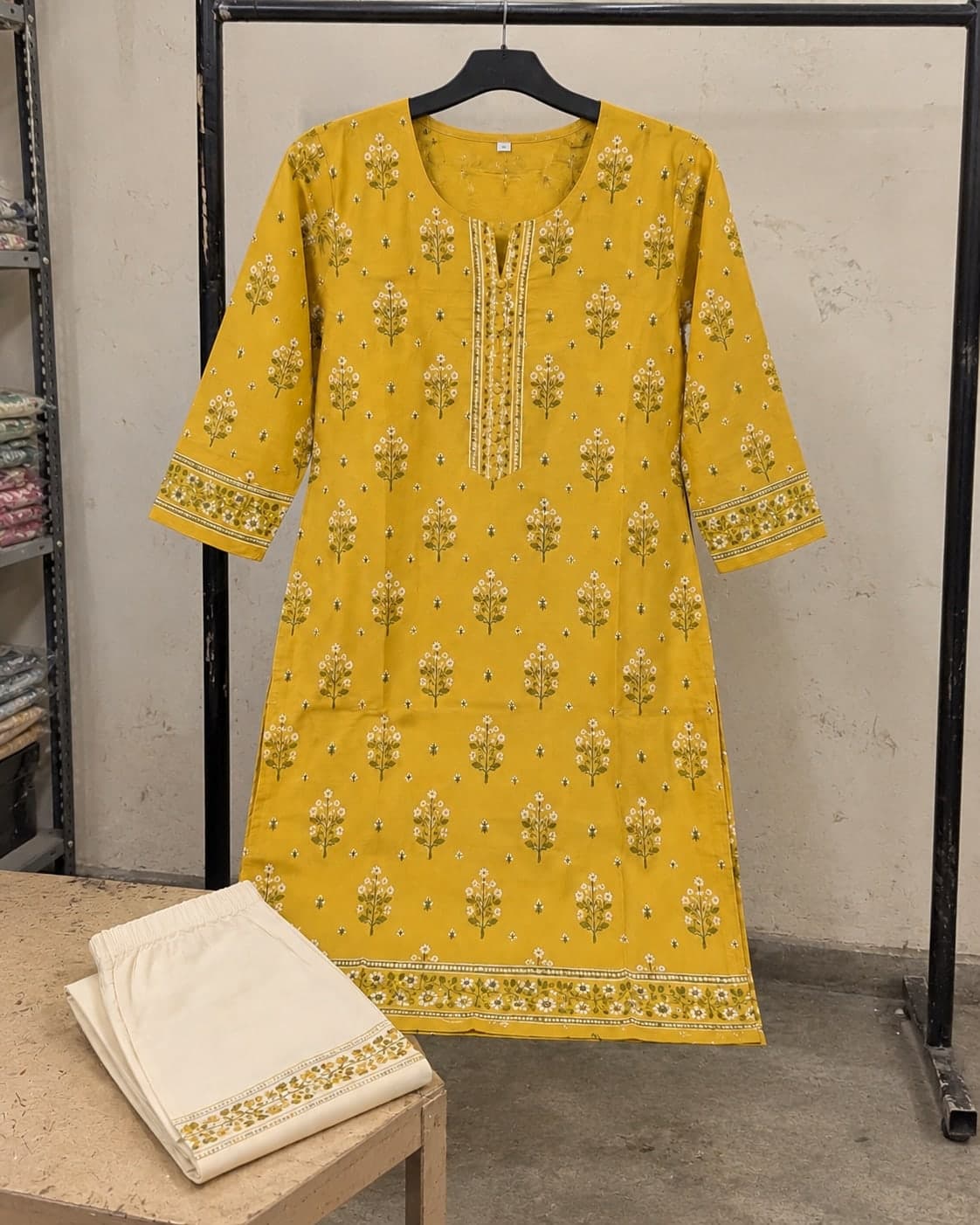
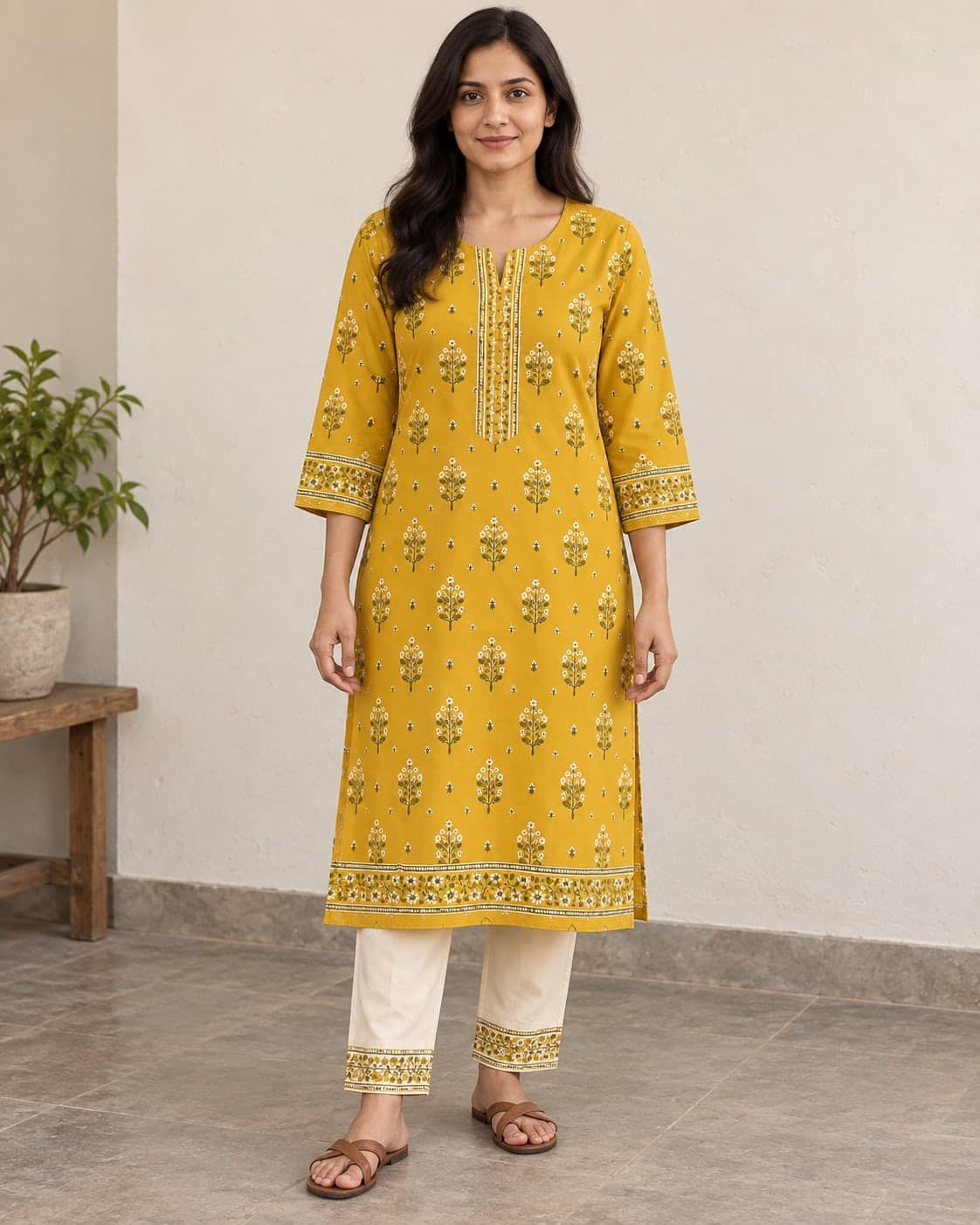
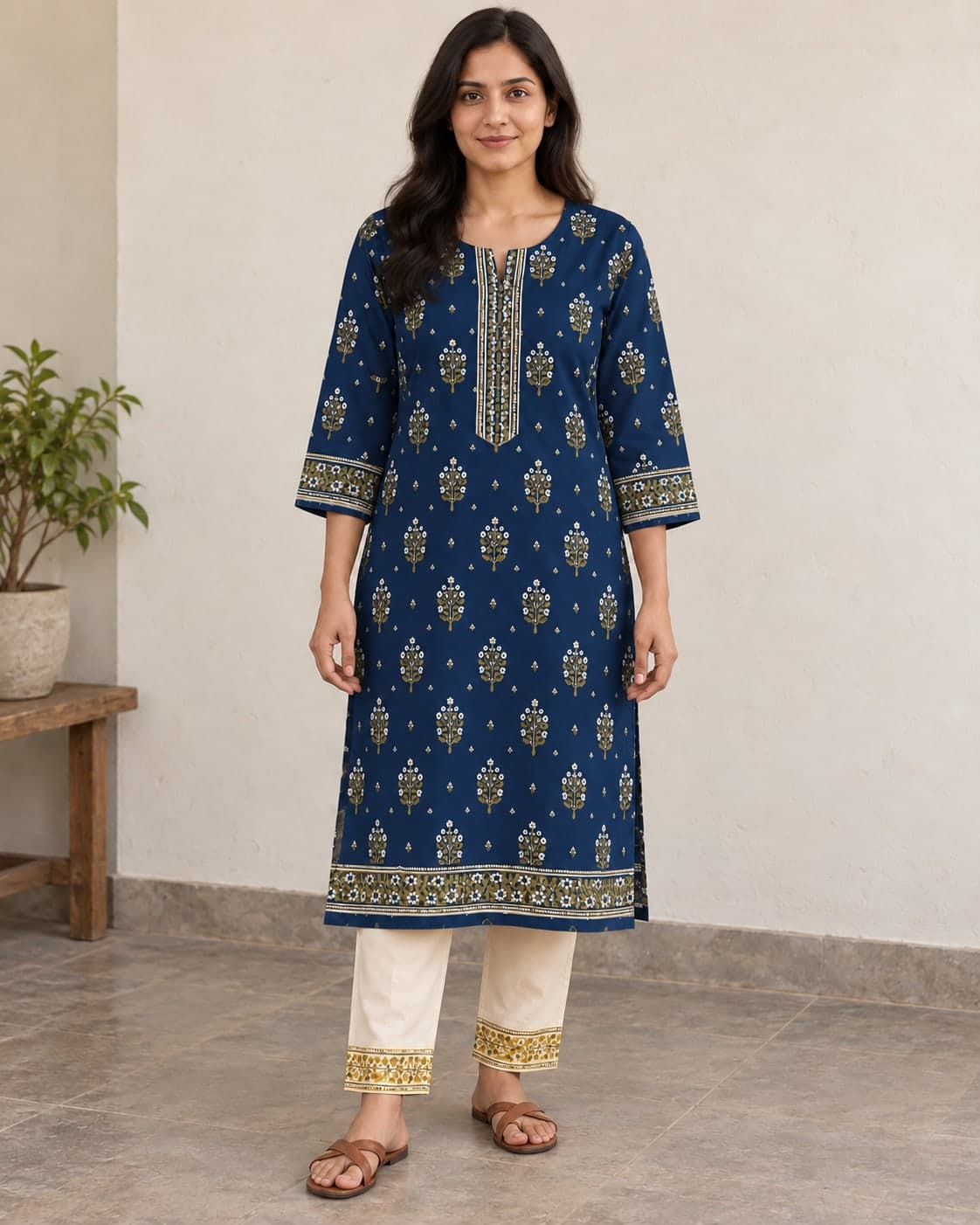
Illustrative AI examples. Feature in development.